
Manage My Collection
Create detailed item profiles with category, sport, player, team, season, identifiers, acquisition information, financial values and a primary item image.
PMF MatchPoint Studio 2.0 brings collection management, provenance, reference material, research notes, visual comparison and report creation together in one private workspace for sports memorabilia collectors.
Document. Compare. Research. Preserve.
Choose the convenient official Microsoft Store option or download the Windows installer directly from PhotoMatchForensics.com.
Version 2.0 expands MatchPoint Studio into a complete local workspace for documenting a collection and preserving the research connected to every item.
Create detailed item profiles with category, sport, player, team, season, identifiers, acquisition information, financial values and a primary item image.
Keep item photography, supporting documents and file previews connected to the correct collectible instead of scattered across unrelated folders.
Record ownership history, source information and chain-of-evidence details to preserve how the item entered the collection.
Create one or more research workspaces for an item and organise timelines, notes, findings, references and comparison work around a specific research question.
Record numbered wear characteristics such as repairs, marks, damage, stitching details and other identifying features observed on the physical item.
Store reference images with source metadata and connect them directly to the relevant item and research process.
Create multiple Comparison Sets, use two images per set and inspect item and reference images with independently saved zoom and pan positions.
Add colour-coded Match, Mismatch, Observation and Unresolved Points with editable descriptions, strength, visibility and gap-free case-wide numbering.
Use the Evidence Explorer to review documented points across the research case and keep conclusions connected to the underlying observations.
Generate structured research reports containing item information, photography, annotated comparison images, evidence tables, conclusions, dates and page numbering.
View collection values separated by currency, research coverage, evidence totals, documentation totals and high-value items without combining unlike currencies.
Archive items, use Trash with multi-selection and restore controls, manage generated reports and create full local backups of the workspace.
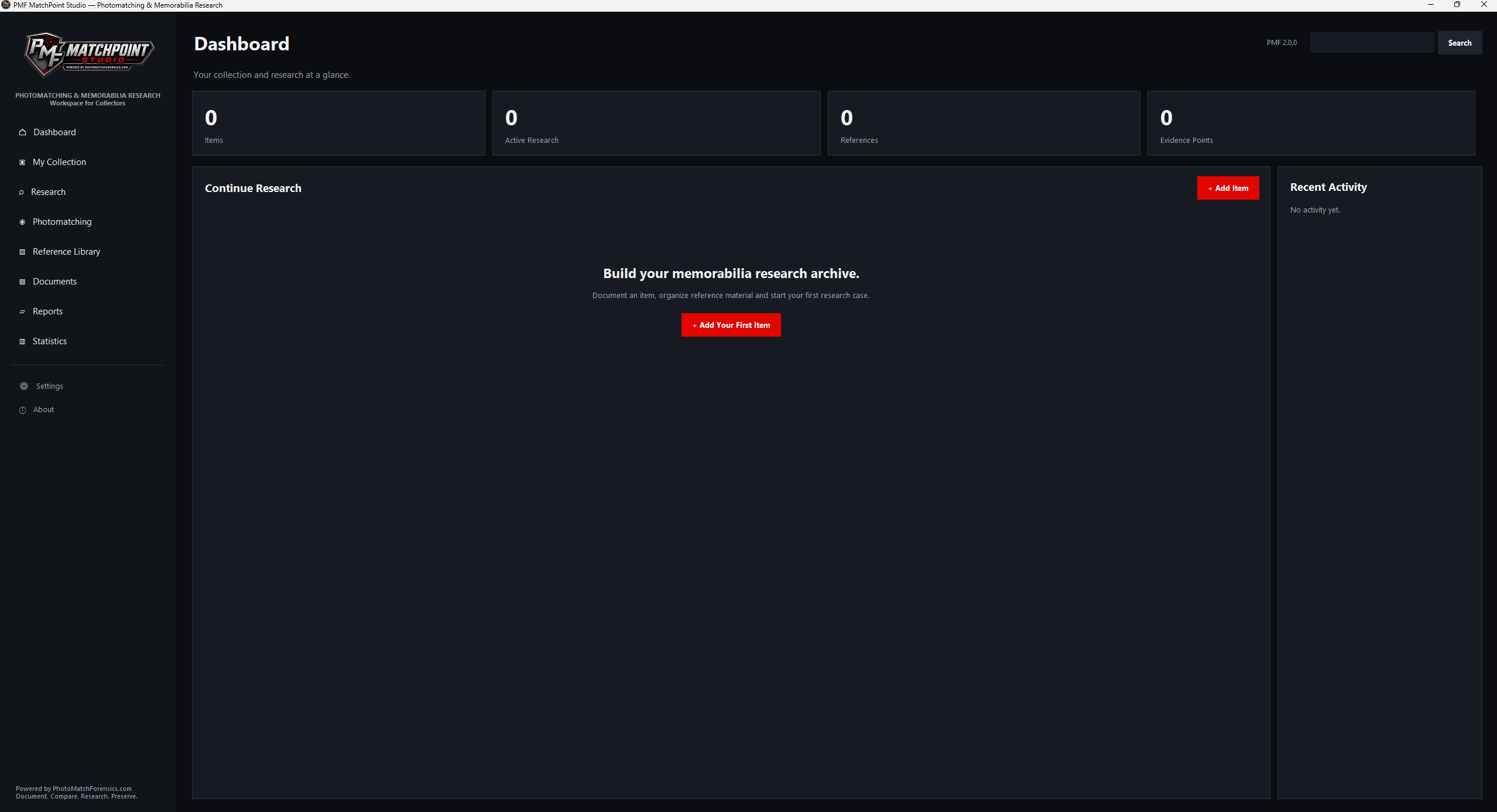
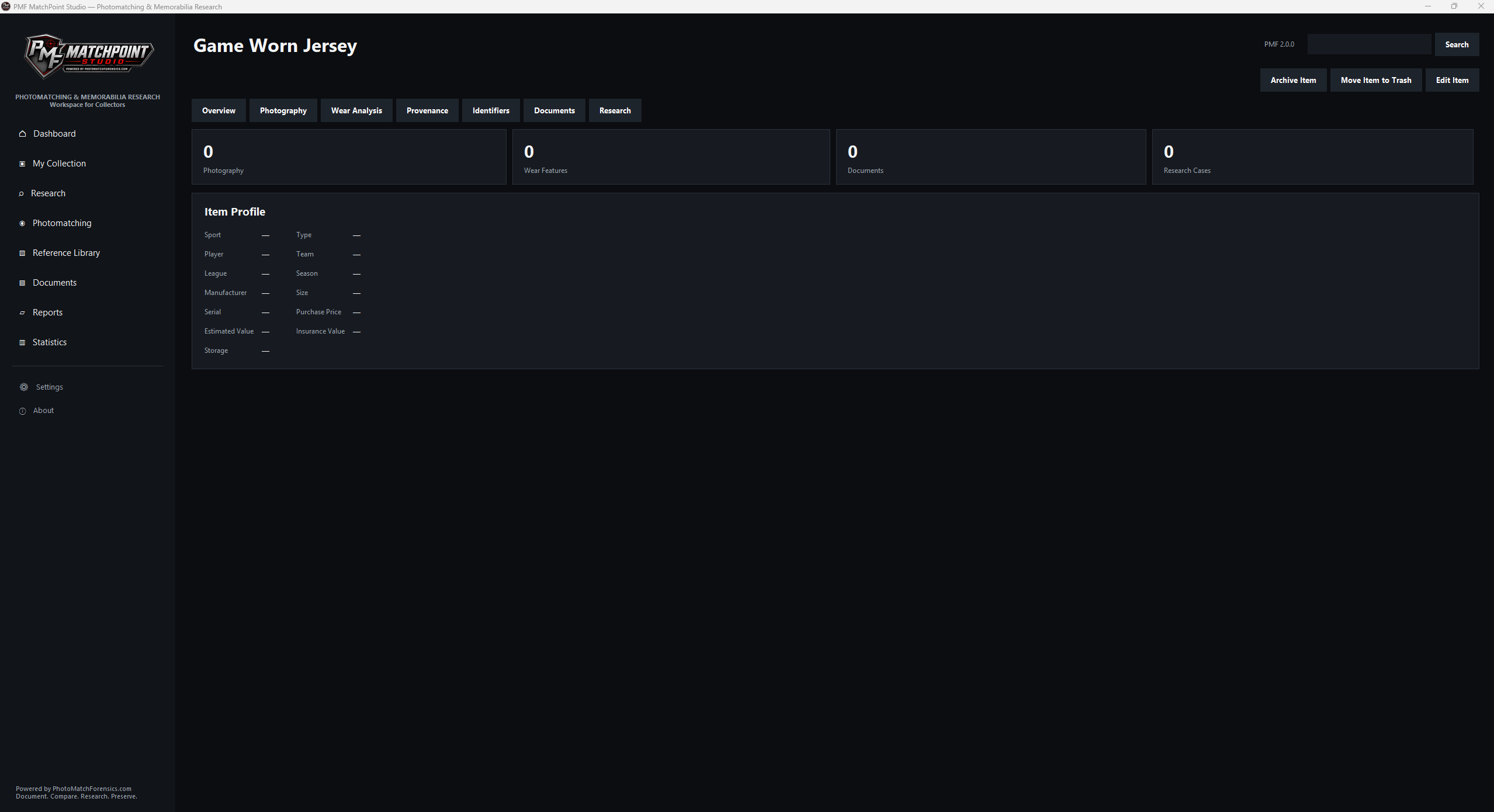
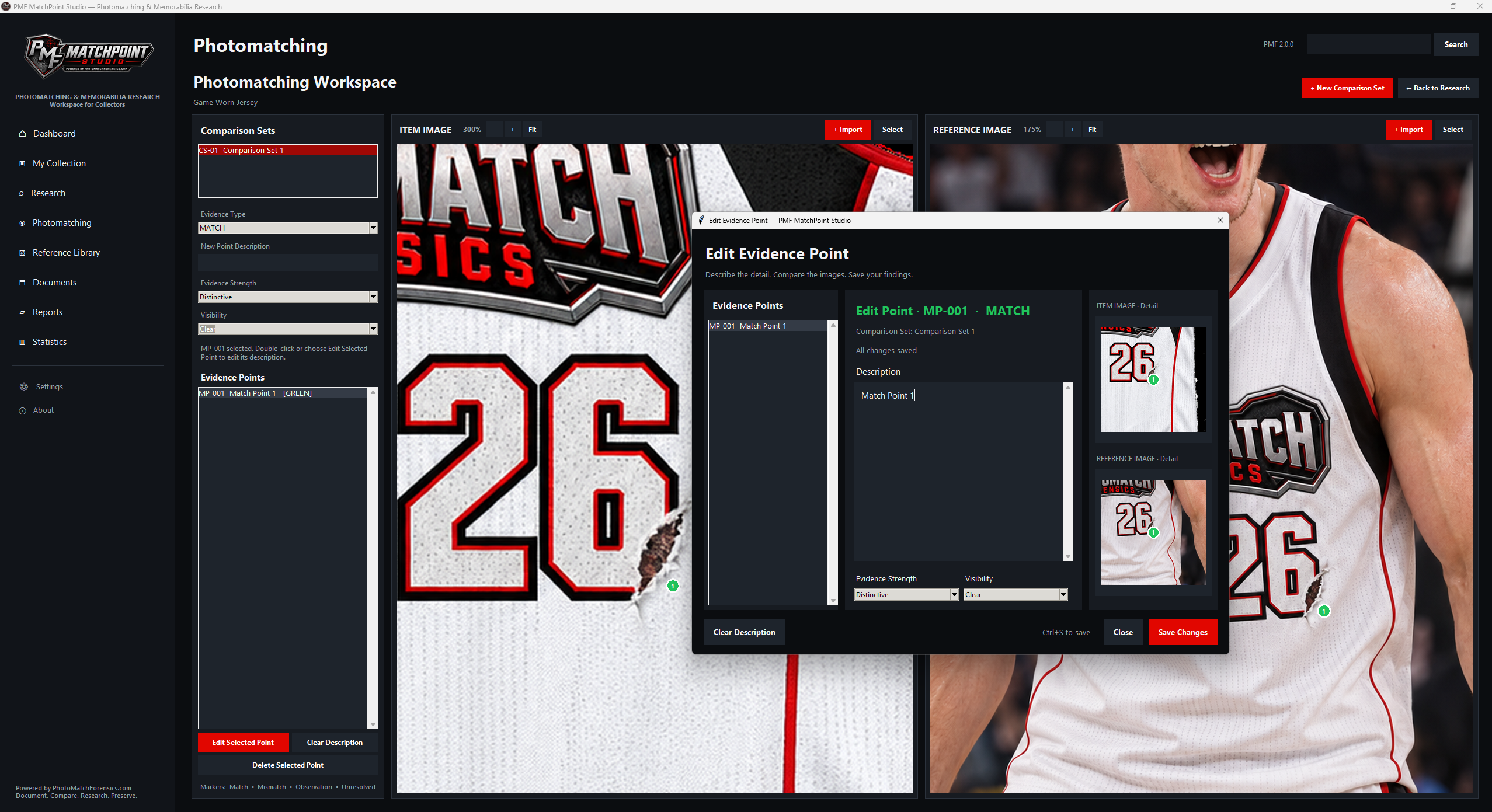
The complete Version 2.0 desktop workspace for Windows. Existing PMF 1.0.7 data can be migrated from within the application. Choose Microsoft Store installation or the direct website download below.
The mobile companion version is being prepared. The download will be enabled here when an official Android package is available.
Explore MatchPoint Studio at your own pace. Choose your language to open the PDF handbook in a new tab.
Das deutsche Benutzerhandbuch für PMF MatchPoint Studio – zum Nachlesen und als Begleitung bei der Arbeit mit deiner Sammlung.
Benutzerhandbuch öffnen PDF · Öffnet in einem neuen TabThe English user manual for PMF MatchPoint Studio – a handy reference to keep alongside you as you work with your collection.
Open user manual PDF · Opens in a new tabPMF MatchPoint Studio is freeware for personal, non-commercial use. Commercial use is not permitted under the application licence.
The software does not independently authenticate, certify or appraise memorabilia. Information, evidence classifications and conclusions are created by the user.
Exported PDFs document the user's research. They are not PhotoMatchForensics authentication certificates and are not automatically reviewed or approved by PhotoMatchForensics.com.
Version 2.0 stores working data locally and contains no telemetry, advertising tracker, cloud synchronisation or automatic upload of collection and research data.
If the Windows installer downloaded directly from PhotoMatchForensics.com is not code-signed, Windows may display an Unknown Publisher or Microsoft Defender SmartScreen warning. This notice concerns the direct website installer, not the Microsoft Store installation option.
Users remain responsible for image rights, data accuracy, research conclusions, backups and appropriate use of generated documents.
Free for personal, non-commercial use only. PMF MatchPoint Studio is a user-operated collection, research, image-comparison and documentation tool. It does not authenticate, certify or appraise memorabilia.
Direct Windows download: if the installer downloaded directly from PhotoMatchForensics.com is distributed without code signing, Windows SmartScreen may show an Unknown Publisher warning. This notice applies to the direct website installer. Alternatively, use the official Microsoft Store option above. Use only these official download sources and keep Windows security protection enabled.
2b02463b5f22002d696c1d8aaaaad2582f20316ef3678a67208506d04f912fa8The application stores its working data locally. It has no account system, telemetry, advertising tracker, cloud synchronisation or automatic upload of collection items, cases, images or reports. Users are responsible for maintaining backups.
Build a private, structured record of your sports memorabilia collection with PMF MatchPoint Studio 2.0.